What's new in October
Videos in chat, a music player that comes with you, YouTube, TikTok and X links that play where they're posted, live photos, bigger group chats and easier ways to find your friends.
 Kaisuki Team2 min read
October was a busy month. Here is everything that landed, with a picture of each and where to find it.
Send videos
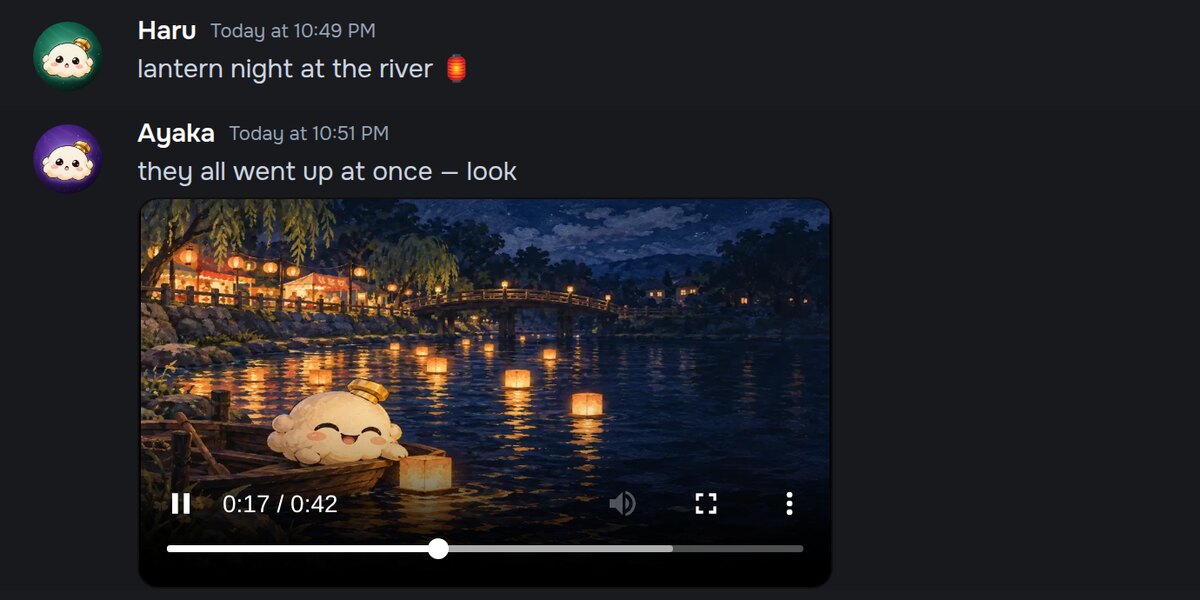
Tap + in the message bar and choose Video. Clips up to three minutes play right in the chat, in servers and in DMs. Kaisuki makes the file smaller on your device before it sends, so it goes up quickly, and everyone sees a still frame and the length before they press play.
YouTube, TikTok and X play in chat
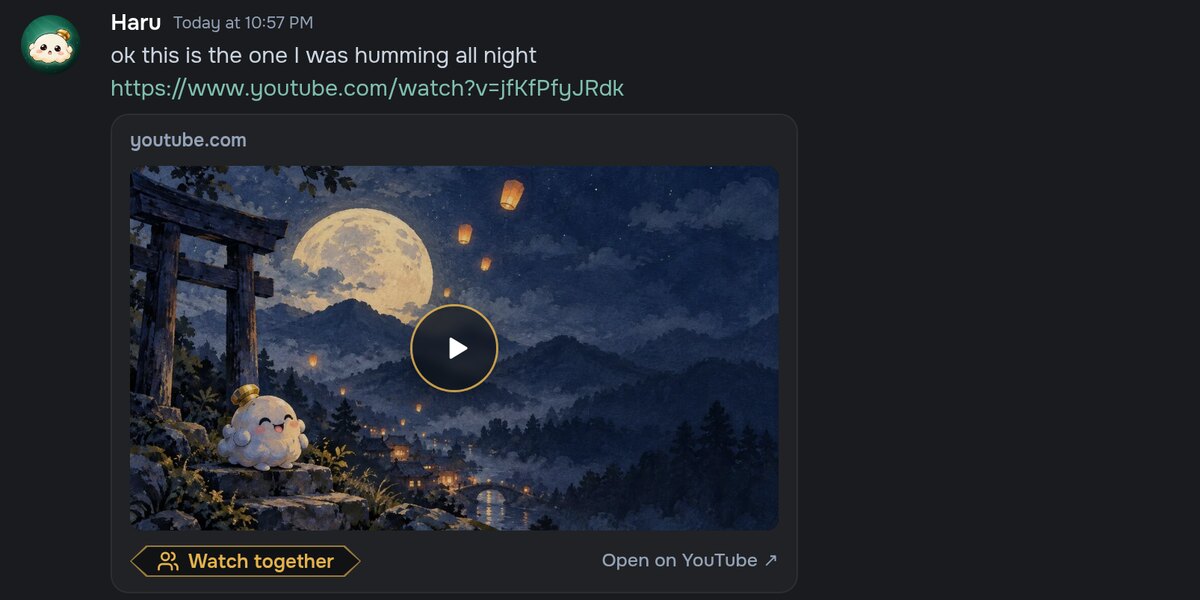
Paste a link and it plays where it was posted. Nothing loads until someone presses play, and the video comes straight from the site it lives on. A YouTube card also has Watch together, which turns it into a watch party for everyone in the channel or DM.
Music, together
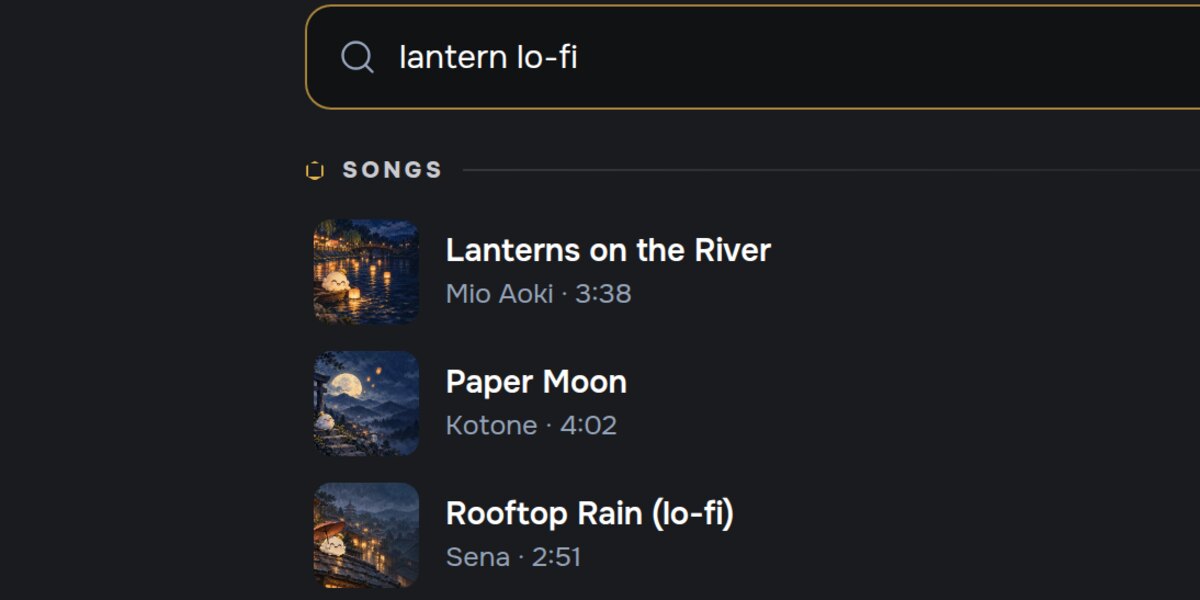
Search for a song, or paste a YouTube link, and play it while you chat. The player follows you from page to page, and friends can see what you're listening to and listen along. Music that comes with you has the details.
Photos, live
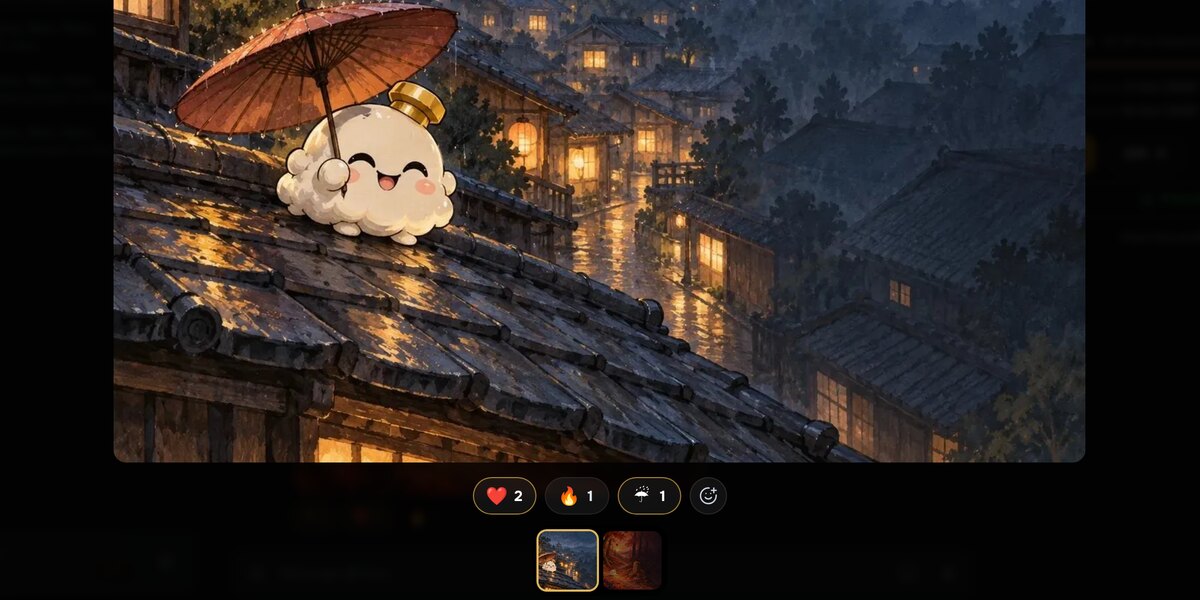
Open a photo and the viewer shows who posted it and when, with reactions under the picture. Tap a reaction to add yours. On a phone, double-tap the photo for a heart. Photos posted while you're looking join the end of the strip, and the one you're on never moves.
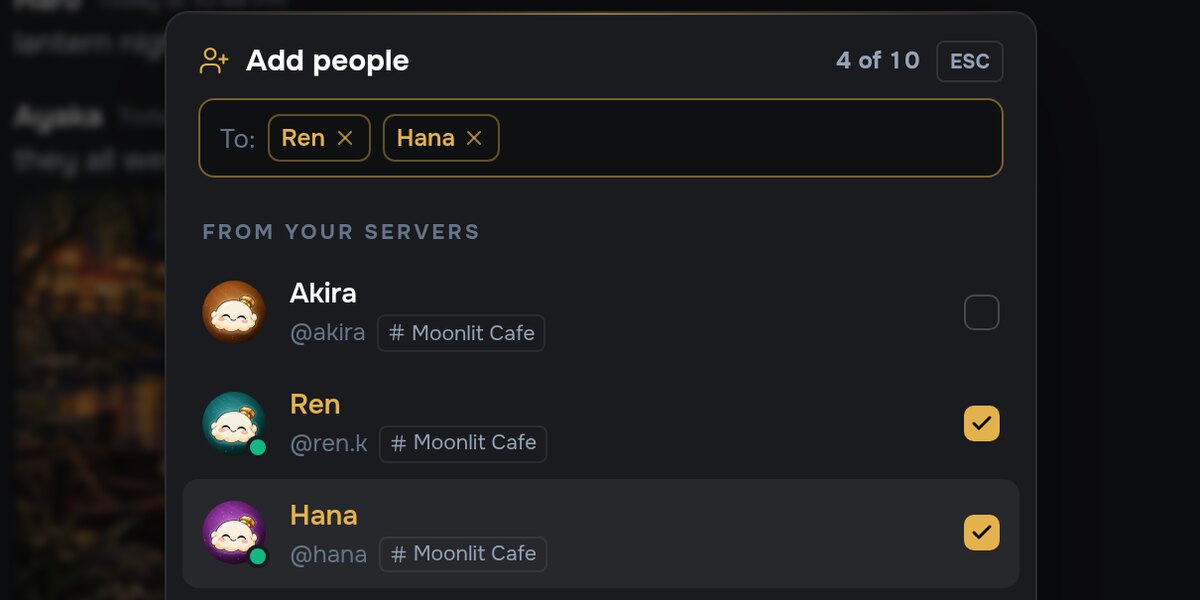
Add people to any DM
Add people in a DM's header turns the chat into a group, or adds people to a group you're already in. Friends come first, and you can search for people from your servers too. A group holds up to ten people.
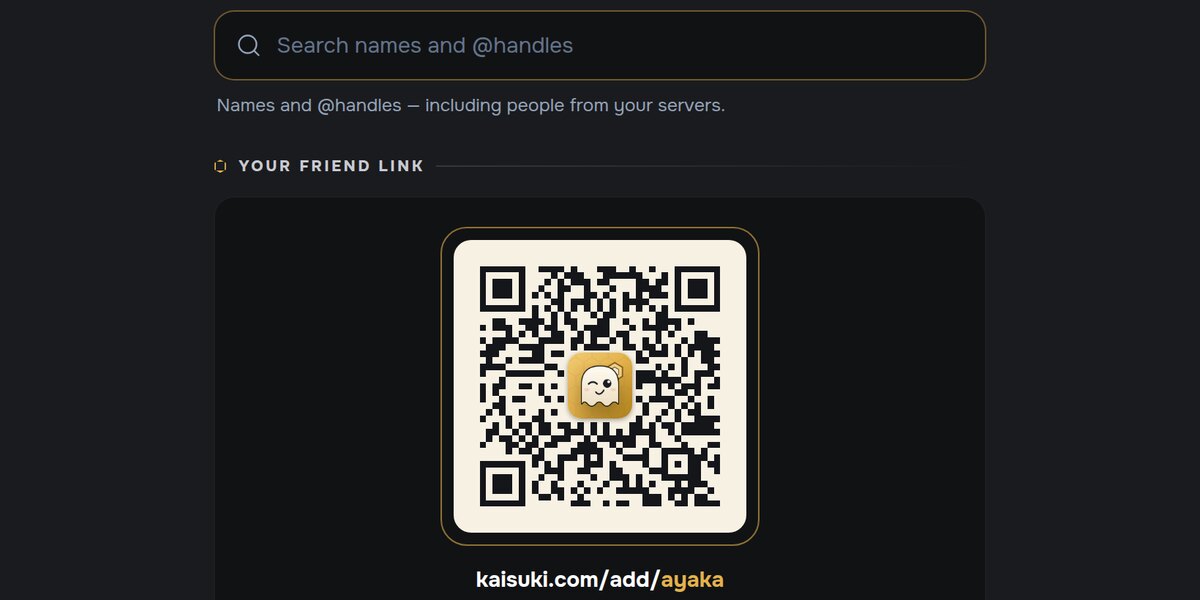
Add a friend from anywhere
There is one Add friend button now, and it's wherever you see someone: their profile, the member list, a voice tile, search results. You also have your own friend link, kaisuki.com/add/ and your username, with a QR code for when you're in the same room.
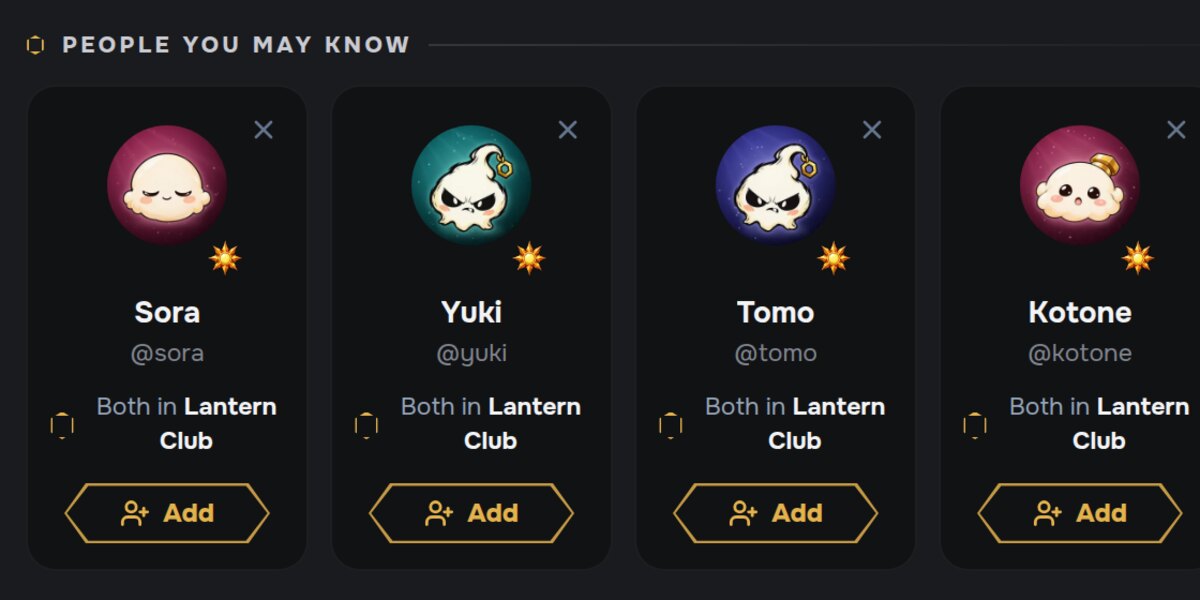
People you may know
A new row on Home suggests people, each with the one reason they're there: friends in common, someone who replies to you, a server you share, or your House. If you'd rather not be suggested to anyone, switch it off in Settings › Privacy & Safety.
That's October. If something doesn't work the way you'd expect, tell us through the Help Center. We read every one.