Add a friend from anywhere
One Add friend button wherever you see someone, a friend link and QR code of your own, and a People you may know row that tells you why.
 Kaisuki Team1 min read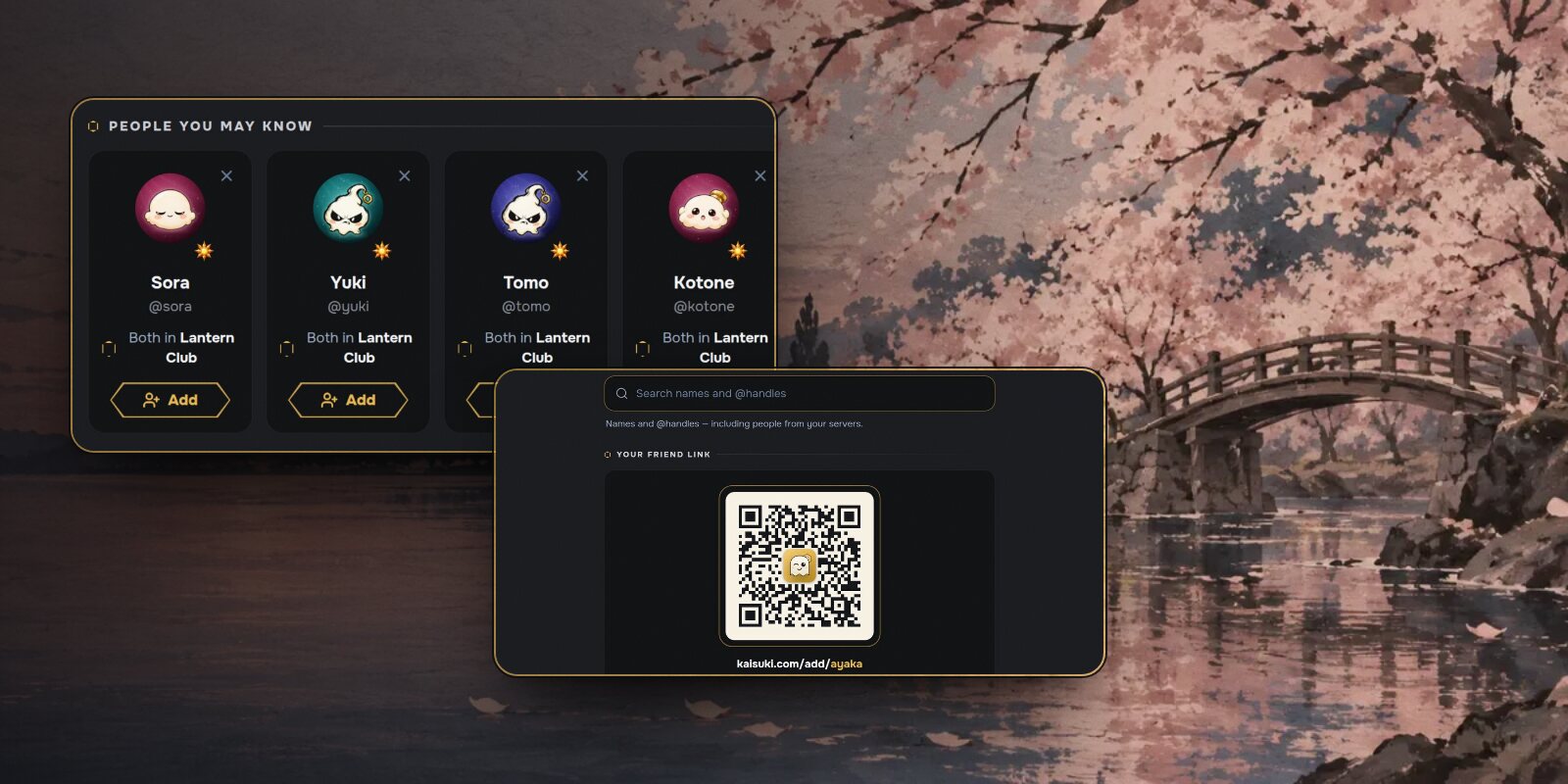
Meeting someone on Kaisuki usually happens in a server, in the middle of a conversation. Adding them as a friend should take one tap from right there, not a trip to another screen.
One button, everywhere
The Add friend button is the same wherever you meet someone: their profile card, their full profile, the member list, voice and Stage tiles, search results, and People you may know.
Press it and it reads Sent, with Cancel if you change your mind. If they asked you first, you'll see Accept and Ignore instead. And when someone sends you a request, you can answer it right on the request, in your notifications or your inbox.
Your friend link
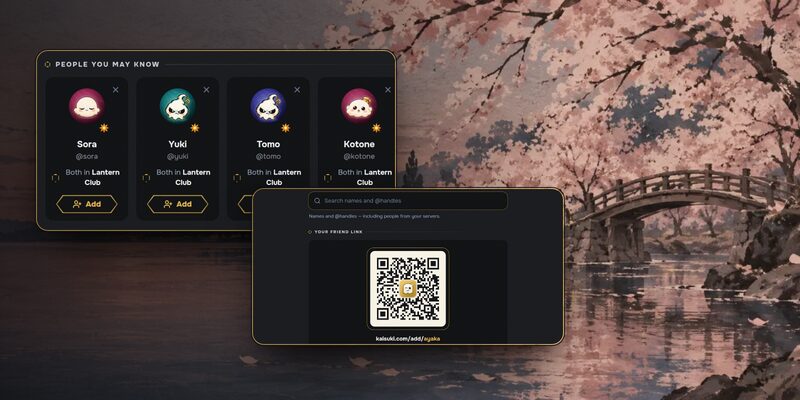
Everyone has a friend link: kaisuki.com/add/ followed by your username. Find it on Add friends, where you can copy it, share it, or show its QR code to someone in the same room.
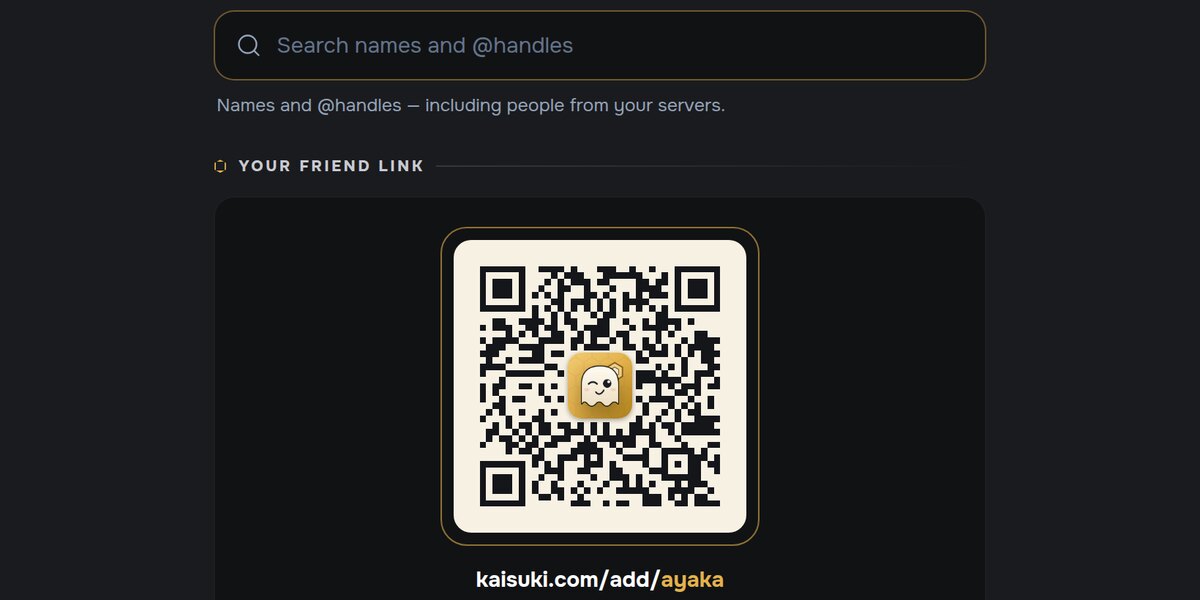
Whoever opens your link sees your card with Add friend ready to press. If they don't have an account yet, they can make one and land right back on your card.
On the same screen, search by name for people in your servers, or type someone's exact @handle.
People you may know
Home has a People you may know row. Each card gives one reason the person is there:
- friends you have in common,
- someone who often replies to you or mentions you in a channel,
- a server you're both in,
- or your House.
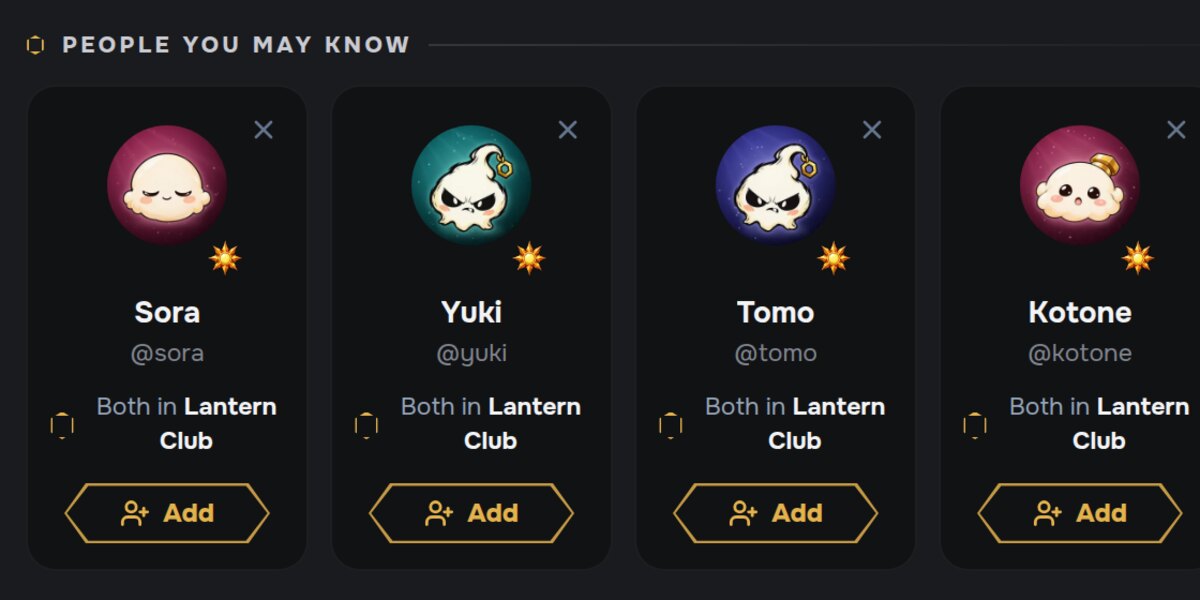
The × on a card removes that person from your suggestions for good. Hide for now folds the whole row away for 30 days.