Group DMs, and adding people to any chat
Turn a one-on-one into a group without starting over, add friends and people from your servers, and keep it to ten people or fewer.
 Kaisuki Team1 min read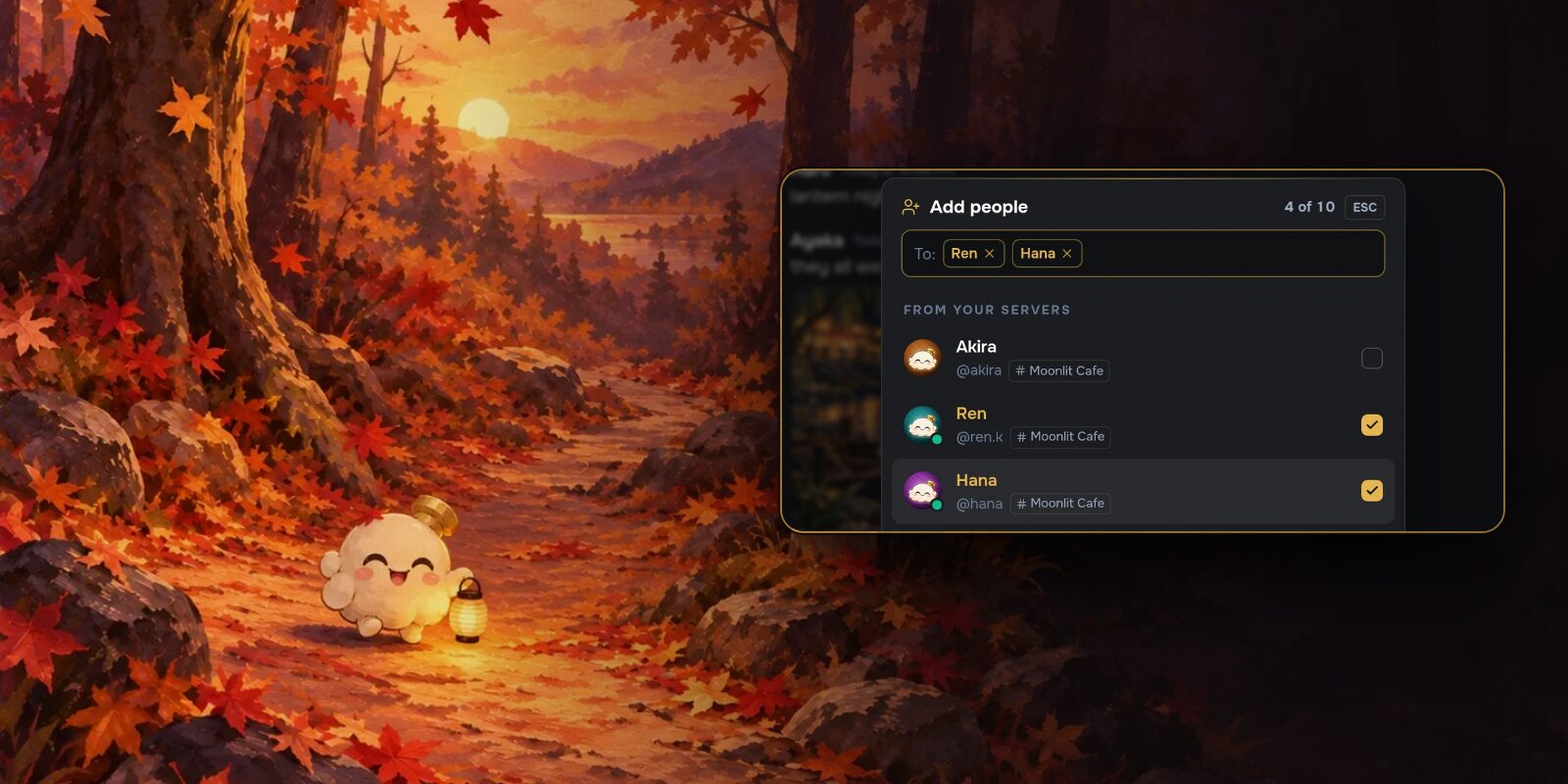
Some conversations need a third person. Or a fifth. Now any DM can grow into a group, without starting a new chat from scratch.
Adding people
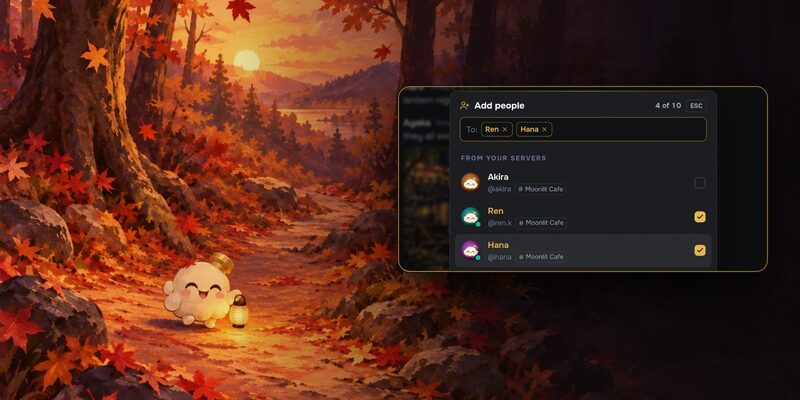
Open a DM and choose Add people from its header. On a phone it's under the ⋯ button. Your friends are listed first, and you can search for anyone you share a server with.
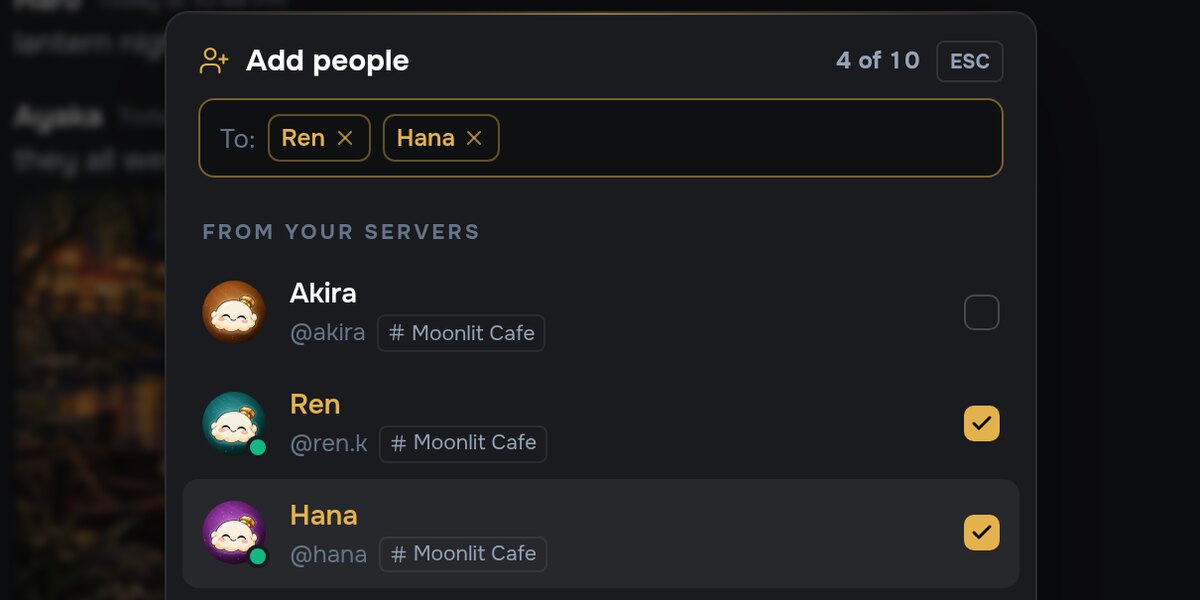
What happens next depends on where you started:
- From a one-on-one, adding people starts a new group with the two of you and whoever you picked. Your one-on-one stays exactly as it was.
- From a group, the people you pick join it straight away.
Everyone in the chat sees a quiet line saying who was added, like You added Aiko and Mika to the group, so nobody is surprised by a new face.
You can also start a group from scratch: choose New message and pick two or more people.
Who you can add
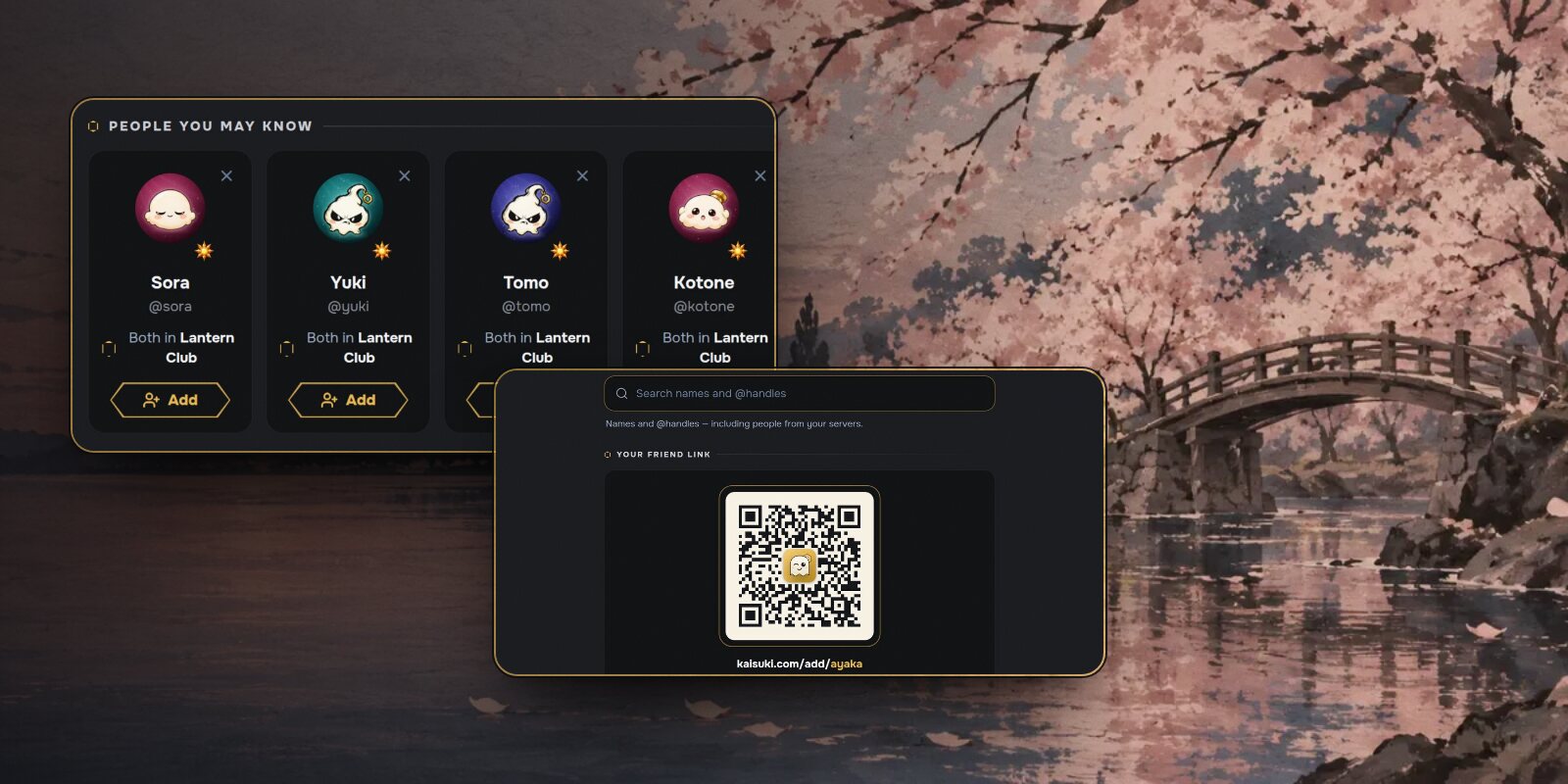
- Friends, always.
- People from your servers, if their own settings let you message them.
- Never someone who has blocked you, or someone you've blocked.
A group holds up to ten people, you included.
Everything a DM can do
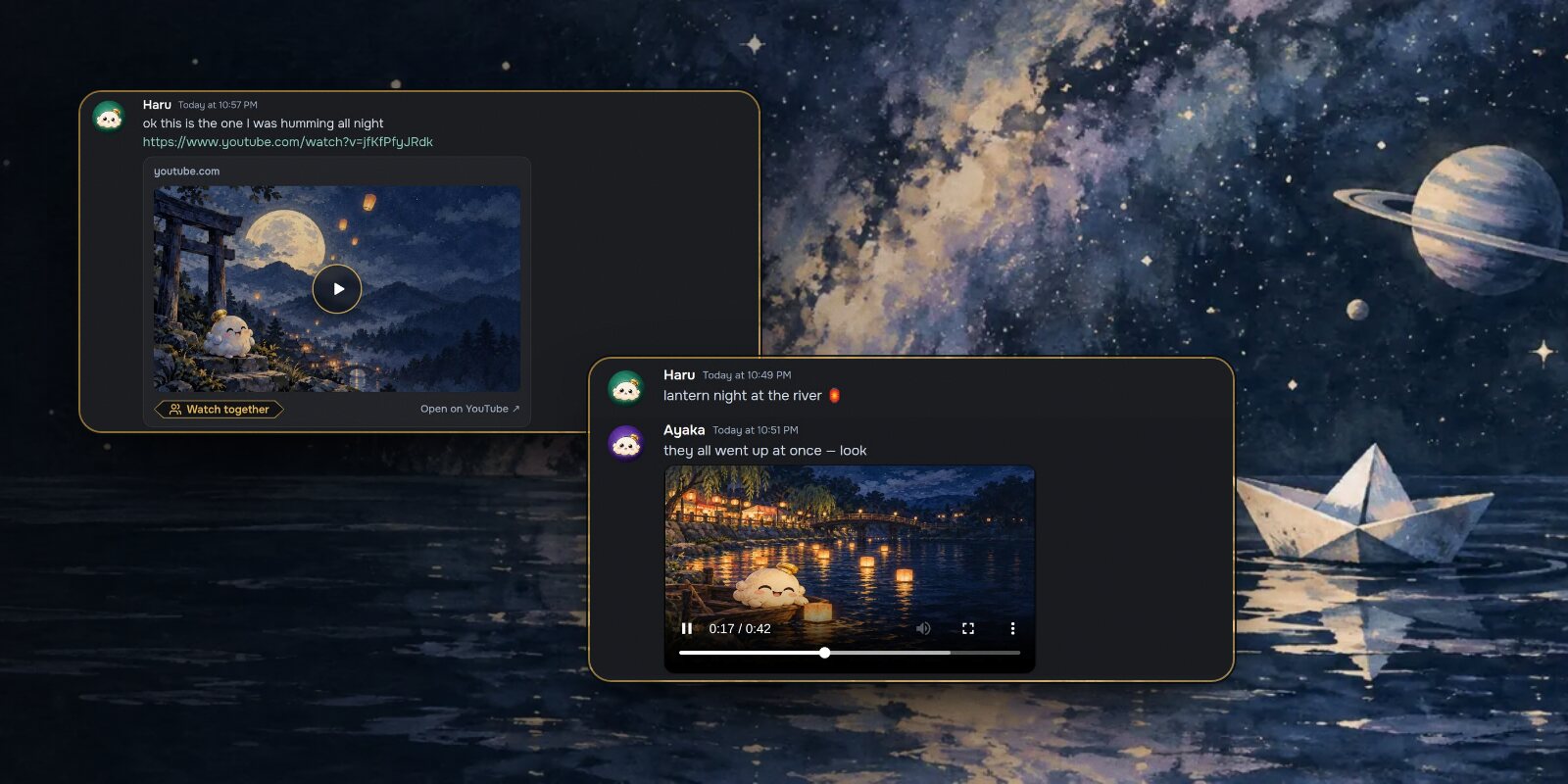
Groups get the same tools as any DM. Send photos and videos, paste a YouTube, TikTok or X link and it plays in the chat, and start a watch party from Watch together in the conversation's options.