Videos, right where they're posted
Send clips up to three minutes, watch YouTube, TikTok and X links without leaving the chat, and turn any YouTube video into a watch party.
 Kaisuki Team2 min read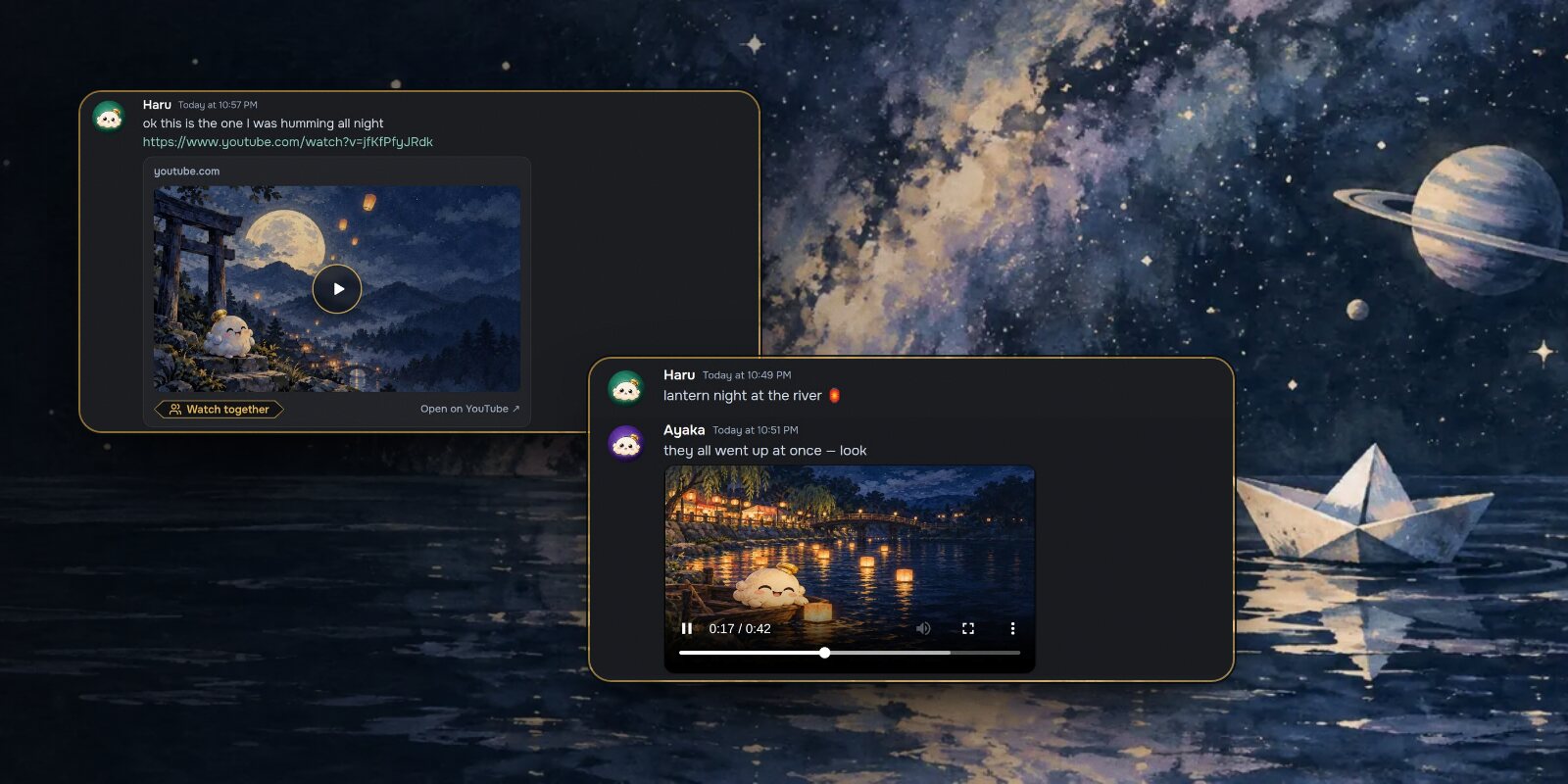
Two things changed about video this month. You can send your own, and links to YouTube, TikTok and X now play inside the chat instead of sending you somewhere else.
Sending a video
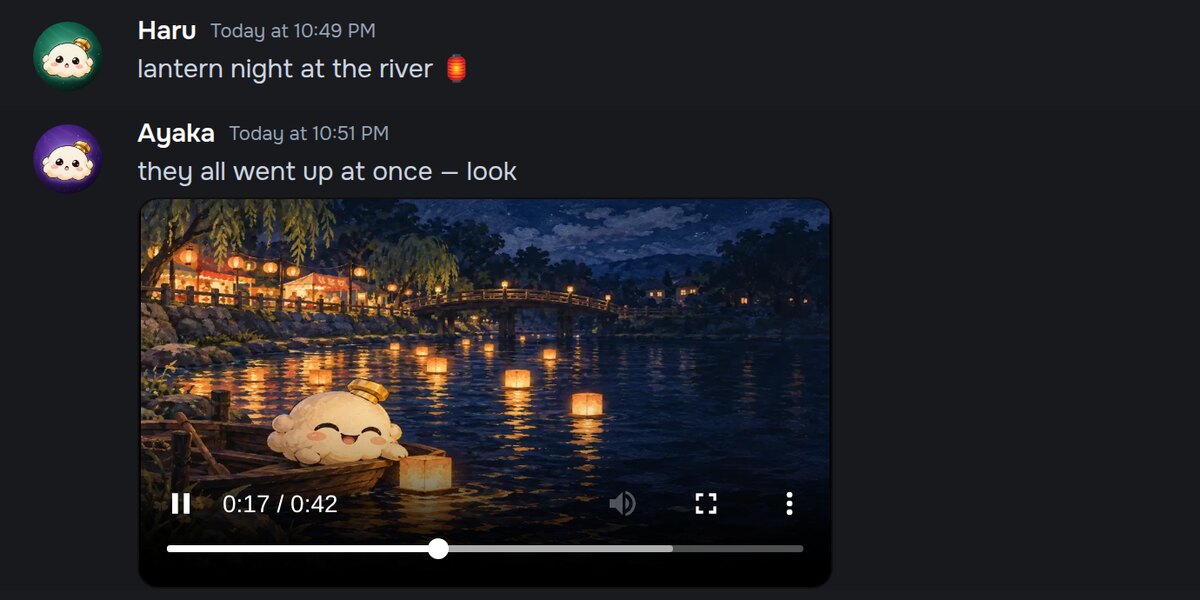
Tap + in the message bar and choose Video. In a DM, + opens a small Photos and Video menu first. A video can be up to three minutes long.
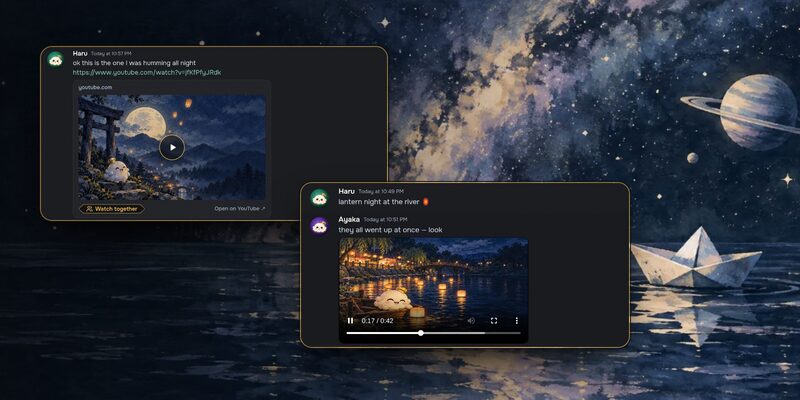
Before it sends, Kaisuki makes the file smaller on your device, so it uploads fast and plays smoothly for everyone else. It also takes a still frame, so the chat shows a picture, a play button and the length straight away. Nobody downloads anything until they press play.
Links that play
Paste a YouTube, TikTok or X link and it becomes a card:
- YouTube shows the title, the channel and a still. Shorts stand upright, and a link with a start time starts there.
- TikTok is a tall card with the author and the caption.
- X shows the post itself, with its photo or its video.
Press play and the video plays in place, from the site it belongs to. Until then, only the still picture loads.
Watch together
Every YouTube card has a Watch together button. It starts a watch party in that channel or DM, or adds the video to the queue if one is already running.
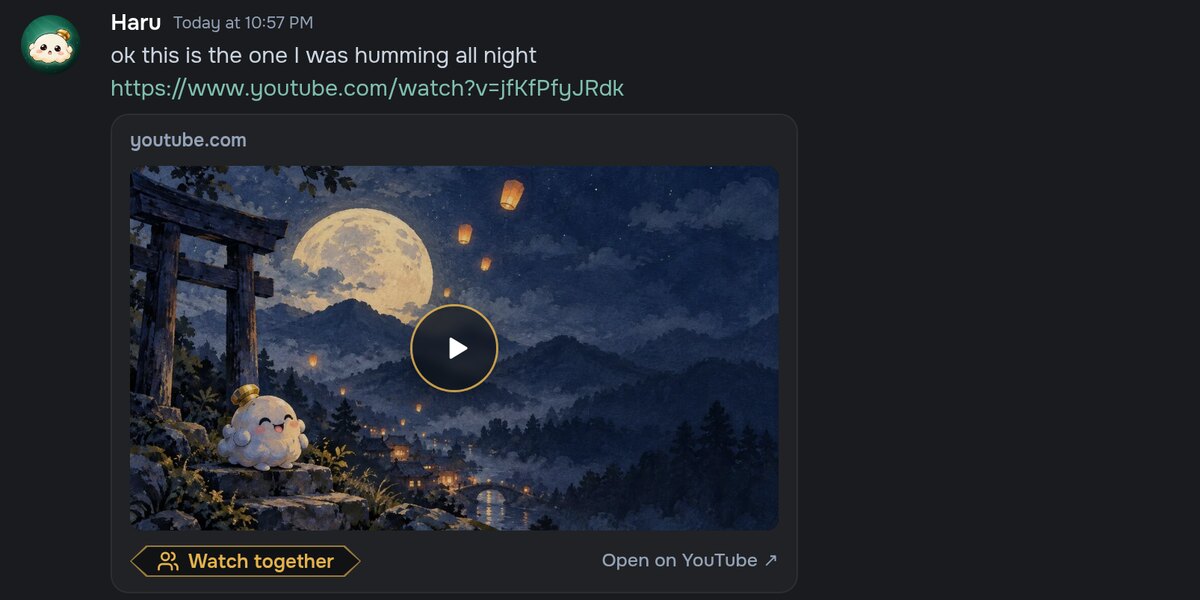
In a watch party, everyone plays the video on their own device and Kaisuki keeps you all at the same moment, so it looks the same for everyone and works just as well on a phone. Anyone in the chat can add to the queue, and the next video starts by itself when one ends.
A reaction stays with the moment it was made.
Reactions are pinned to the second they happened in the video. Someone who joins twenty minutes late still sees them, at the right point, when they get there.